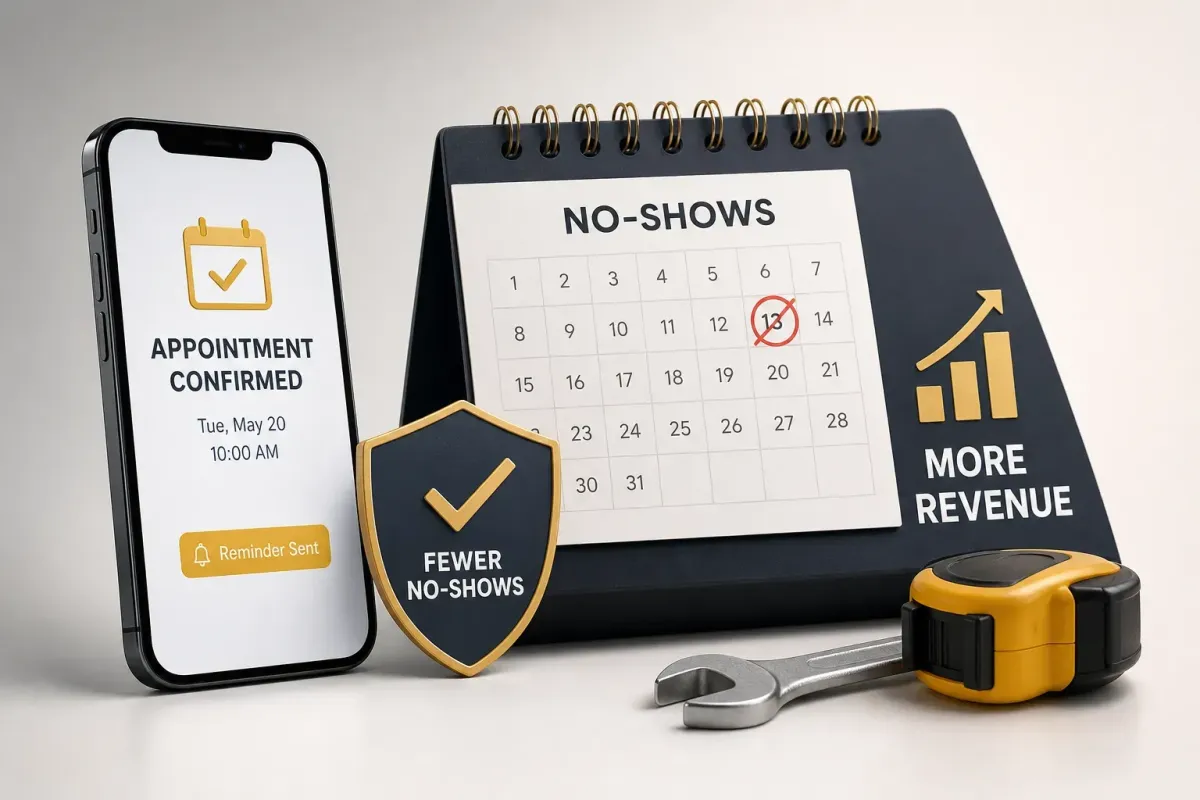
How to Reduce No-Shows as a Contractor and Recover Revenue
How to Reduce No-Shows as a Contractor and Recover Revenue
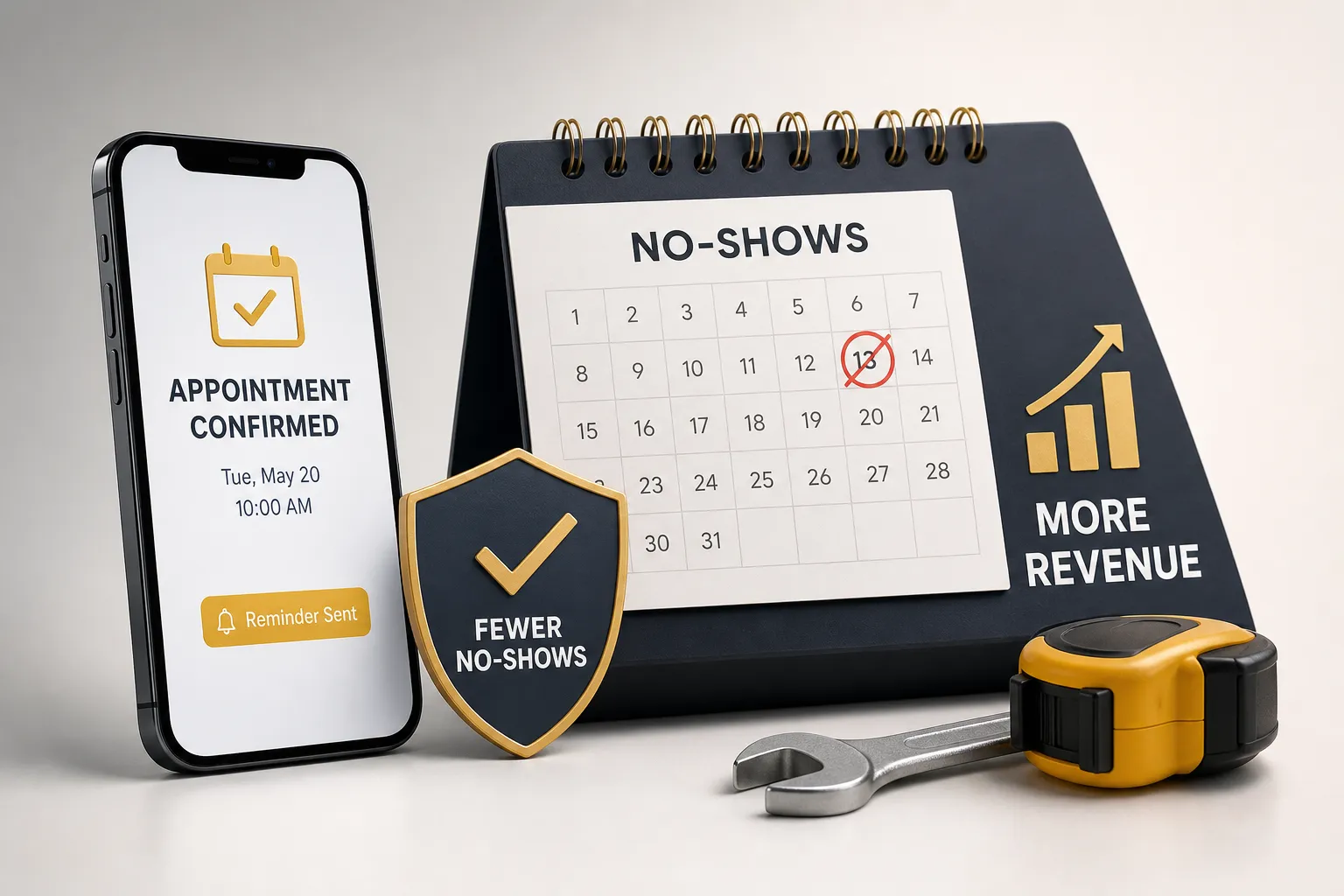
Every no-show is a double loss. You lose the revenue from the job, and you lose the time slot you could have filled with someone who actually shows up. That's not a scheduling inconvenience; it's a revenue problem that compounds month after month. Without a structured confirmation process, no-show rates for residential service calls hover around 10%. With the right automation in place, that number drops to 3, 7%. This article walks you through the specific tactics contractors use to reduce no-shows and recover revenue: multi-channel reminders, two-way confirmations, deposits, and a follow-up system that recovers jobs you'd otherwise write off.
No fluff here. Just the actions that matter, in the order you should tackle them.
What no-shows actually cost your business (the numbers are uncomfortable)
Most contractors know no-shows are a problem. Few have done the math on exactly how much money walks out the door every month because of them. When you run the numbers honestly, the result is uncomfortable enough to make you act.
No-show rates by trade: HVAC, plumbing, and electrical
The benchmarks vary by trade and, more importantly, by job type. HVAC unconfirmed appointments run 8, 16% no-show rates. Plumbing and electrical service calls with active problems (no water, no power) sit lower at 5, 8%. Routine maintenance calls are the worst offenders in every trade. When a customer doesn't have heat in January, they are home when your technician arrives. When they scheduled an annual tune-up three weeks ago and forgot about it entirely, you get a locked door and a wasted truck roll.
The cross-trade average across residential HVAC, plumbing, and electrical sits near 10% without a structured confirmation process. That's the number to benchmark against as you build your system.
The simple formula for calculating your monthly revenue at risk
Run this math for your own business: multiply your average job value by your monthly booked appointments, then by your no-show rate. A contractor booking 80 appointments a month at a $250 average ticket with a 10% no-show rate is leaving $2,000 on the table every single month. Over a year, that's $24,000 in missed revenue, not counting the labor hours spent waiting on-site or re-dispatching technicians to fill empty slots on short notice. For a growing operation running 150+ appointments a month, the annual loss from unmanaged no-shows can exceed $40,000 (for example, $250 avg ticket × 150 appts × 10% no-show rate = $45,000). That's a real number, and it's worth treating like one.
How contractors reduce no-shows: why one reminder never works and what does instead
Most contractors send a single confirmation text and consider the job handled. The data says otherwise. A lone reminder sent 24 hours before an appointment reduces no-shows by roughly 29% compared to no reminder at all. That's not bad, but it's also not the ceiling. One text sent at the wrong time gets buried under ten other notifications. Life happens between booking and appointment day. A single touchpoint treats confirmation as a checkbox rather than a commitment process.
The difference between a notification and a confirmation is action. A notification informs. A confirmation requires the customer to do something in response. When contractors layer SMS, email, and a voice confirmation across a timed sequence, no-show rates drop 50, 65% compared to no reminder at all, based on vendor and practice estimates across the trades. Two-way SMS confirmations, where the customer actively replies "YES" or selects a reschedule option, drive commitment even further. Getting a customer to take any action turns a passive booking into a locked appointment. That psychological shift is real, and it holds.
Building your automated confirmation system across every channel
This is where contractors either build something that runs itself or keep chasing customers manually. The sequence below works. The key is automating it so no one on your team has to manage it by hand.
Reducing no-shows for contractors: timing and channel breakdown
Structure the sequence in four touches:
Instant booking confirmation, Send via SMS and email the moment the appointment is scheduled. Include the date, time window, job type, and a prompt to reply to confirm.
24-hour reminder, Send via SMS and email with an easy reschedule option embedded directly in the message.
Same-day reminder, Send 2, 3 hours before the appointment window opens.
On-the-way notification, Trigger when the technician is 30, 45 minutes out.
Each touchpoint reinforces the customer's commitment and gives them a friction-free way to reschedule before the truck rolls. That last part matters: an early reschedule is a recoverable situation. A no-show isn't. These appointment reminders for contractors aren't optional add-ons; they're the baseline for a schedule that holds.
Two-way SMS for contractor no-show prevention
The two-way format is simple. The customer receives a text that says something like: "Your appointment with [Company Name] is confirmed for Thursday at 2PM. Reply YES to confirm or RESCHEDULE to pick a new time." When they reply YES, the system marks the appointment confirmed. When they reply RESCHEDULE, the system opens a rebooking flow. When they don't reply at all, your team knows to make a follow-up call before the truck dispatches. Two-way SMS improves confirmation rates and provides early visibility on at-risk appointments. It's the difference between filling a slot the morning of versus finding out at noon that your tech sat in a driveway for 20 minutes.
How Otto runs this entire layer without manual effort
This is where Ottomatic AI earns its place in your operation. Otto handles inbound and outbound communication across voice, SMS, and email, without a front-desk employee managing the queue. Every booked appointment triggers an automated confirmation, a timed reminder sequence, and an on-the-way notification. For an HVAC company running 40 appointments a week during peak season, that kind of coverage without additional headcount is the difference between a leaky schedule and a locked one. Otto is built specifically for trade businesses, which means it communicates with the tone and timing that fits residential service customers, not a generic chatbot template. To reduce no-shows for contractors at scale, that specificity is what separates an automated system that actually works from one that gets ignored.
Deposits, fees, and a cancellation policy that actually holds
Reminders prevent most no-shows. But some customers will ghost regardless. The financial backstop is what protects you when prevention alone isn't enough. The pattern holds consistently across the trades: adding any upfront payment cuts no-shows from 15, 25% down to under 5%, based on industry survey data and contractor practice benchmarks. That's not a small effect.
Flat booking fee vs. percentage deposit: what fits each job type
For estimates and diagnostic calls, a flat fee of $25, $75 works well. It's low-friction for the customer, and it covers the real cost of the truck roll if they don't show. For larger scoped jobs, a 10, 20% deposit is more appropriate and easier to justify. The key principle is that the deposit amount should be tied to real costs: labor reserved, materials ordered, scheduling slot held. That framing holds up legally and feels fairer to customers than a vague penalty fee. When customers understand they're reserving actual capacity with their deposit, pushback drops significantly.
Policy language that protects you and reads clearly to customers
A solid residential cancellation policy needs four things: a defined notice period (24, 48 hours is standard), a clear definition of a no-show (failure to appear, failure to provide property access, or failure to respond within 15 minutes of technician arrival), the fee terms, and a plain-language note on how to cancel or reschedule. Keep one legal note in mind: if a contract is signed at the customer's home rather than your office, the FTC Cooling-Off Rule may apply, giving customers three business days to cancel without penalty. Here's sample language that works: "If you cancel with less than 24 hours' notice or are not present when our technician arrives, a missed-appointment fee may apply. We will attempt to call and text the contact on file and wait 15 minutes before marking the appointment as a no-show." Put this in the booking confirmation, not buried in a PDF attachment nobody reads.
Following up after a no-show to recover the booking
Most contractors mark the no-show in their system and move on. That's a second loss on top of the first. A simple follow-up sequence recovers a meaningful share of those jobs, because most no-shows aren't deliberate. Life interrupted the appointment, not the customer's need for the service. Contractors who build a structured follow-up step into their workflow often recover a significant portion of no-show appointments, industry reports vary, but even recapturing 1 in 5 missed jobs changes the monthly revenue picture. That's real money sitting in your CRM waiting to be recovered.
When and how to reach back out
The re-engagement window is short. A follow-up within one to two hours of the missed appointment catches customers while the need is still fresh. The tone should stay practical, not punitive. A second follow-up at the 24-hour mark works for customers who didn't respond to the first. After that, move on. You've done your part.
Here are two ready-to-use templates you can load directly into your SMS platform:
Immediate follow-up (within 1, 2 hours): "Hi [Name], we stopped by for your [service] appointment today but couldn't reach you. We know things come up. We still have openings this week, reply or call [number] to reschedule. Happy to help."
24-hour nudge: "Hi [Name], just following up from yesterday's missed appointment. If you still need [service], we can get you on the schedule quickly. Reply anytime and we'll take care of it."
Otto can send both of these automatically as part of the no-show workflow, without anyone on your team having to remember to do it. When re-engagement runs on autopilot, you stop losing recoverable revenue to administrative gaps.
Put it together and start cutting no-shows this week
Reducing no-shows as a contractor doesn't require a complicated system. It requires a consistent one. Start with a multi-touch confirmation sequence across SMS, email, and voice. Add a deposit or booking fee for jobs where the truck-roll cost is real. Write a plain-language cancellation policy and put it in every confirmation message, not buried in an agreement. When someone ghosts, follow up within the hour.
Each of these steps removes a different reason customers don't show up. Together, they can cut your no-show rate from around 10% down to 3, 7% or better, with results varying based on job type, deposit policy, and how consistently the system runs. The contractors who automate this process with a tool like Otto aren't just protecting their schedule. They're building a business that doesn't depend on someone chasing confirmations all day, manually sending texts, and hoping for the best. That's the version worth running.
If you want to see how Otto handles confirmation sequences, deposits, and no-show follow-ups for home service businesses, take a closer look at what it does. The setup is simpler than you'd expect, and the schedule you end up with is a lot tighter. Book a demo today and see how Otto cuts no-shows for your operation.
