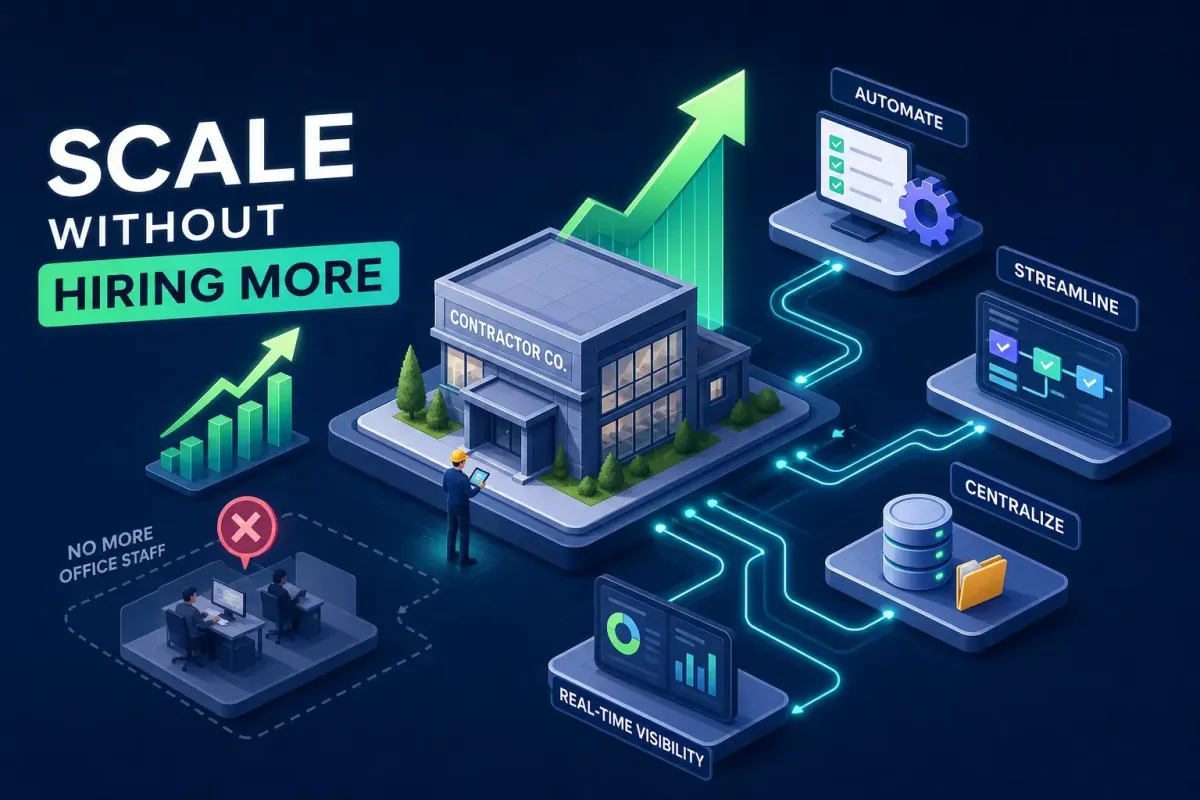
How Contractors Scale Without Hiring More Office Staff
How contractors scale without hiring more office staff
When work picks up, the instinct is to hire. More jobs, more people, it feels like the only logical move. But for most small contracting businesses, that instinct is a trap. Every new office hire adds fixed cost before you see the revenue to justify it: salary, payroll taxes, benefits, onboarding time, management overhead, and new HR exposure. If work slows down, the overhead stays.
The smarter move is to understand what technology helps contractors scale without adding employees, and then deploy it before the payroll commitment. That line is further out than most contractors think. This article covers the specific tools home service contractors use to handle more customers, book more jobs, and keep their pipelines full without proportionally growing their office headcount. The goal isn't to replace people. It's to stop paying people to do things software can do faster and more consistently.
The growth trap most contractors don't see coming
Revenue grows, workload grows, so you hire. The logic tracks until you run the numbers. A full-time receptionist costs a small home service business roughly $45,000 to $65,000 per year once you factor in salary, payroll taxes, benefits, and paid time off, between $3,750 and $5,000 per month in fixed overhead covering only standard business hours. Lunch breaks, sick days, vacations, and anything after 5 p.m. aren't covered. You've added a ceiling, not a ramp.
The bottleneck is rarely people. It's process. Phones answered by hand, schedules built in spreadsheets, follow-ups handled whenever someone remembers. The business doesn't need more bodies. It needs fewer manual steps. According to case studies from construction management software providers, businesses running modern automation stacks report handling 25 to 30 percent more jobs with the same office team, without adding headcount. That's not theory. That's what removing manual steps actually buys you.
Communication: the fastest answer to how contractors scale without adding staff
Industry estimates suggest home service contractors miss roughly 62 percent of inbound calls, technicians are on job sites, driving, or in crawl spaces and simply can't pick up. Many of those missed calls don't result in voicemails. Research into caller behavior indicates most prospects move on to the next contractor on the list rather than leave a message and wait.
Response time compounds the problem. A contractor who responds to a lead within five minutes converts at roughly four to five times the rate of one who waits an hour, according to lead-response benchmarks from sales research organizations including InsideSales.com. Contractors handling phones manually can't hit that window consistently, which means jobs they could have won are booked with a competitor before they even know the lead came in.
This is the gap Ottomatic AI (Otto) was built to close. Otto provides 24/7 automated intake across inbound calls, texts, chats, emails, and social messages, booking jobs and answering pricing questions without human involvement. It's designed for home service trades, so it handles trade-specific questions and urgent requests without custom configuration. No receptionist to hire, no after-hours answering service fees, no leads going to voicemail at 7 p.m. on a Tuesday. For contractors looking to grow without adding office staff, communication automation is the most direct lever available.
Many smaller competitors lack 24/7 response capabilities. A contractor with automated around-the-clock communication captures emergency plumbing calls, HVAC failures, and weekend service requests that everyone else misses. That's a structural advantage that compounds over time as your reputation for fast response builds and your competitors' voicemails fill up.
Scheduling tools that fill your calendar without phone tag
The manual scheduling loop is expensive in ways that are easy to undercount. A customer calls, leaves a message, gets a callback, negotiates a time window, and someone manually enters it into a calendar. Every step costs time and creates friction. Automated booking collapses this to a single step: the customer picks a time, it appears on the schedule. No back-and-forth, no data entry, no dropped balls.
For small crews handling job management alongside invoicing, Jobber is a practical starting point. It covers quotes, scheduling, client communication, and QuickBooks integration in one platform. For growing teams that need crew scheduling, time tracking, and task assignment in one place, Connecteam and Workyard are both worth evaluating. Workyard focuses specifically on labor tracking and workforce management, which reduces the administrative drag around crew time. The scheduling layer works best when it connects to the same communication system handling intake, otherwise you're stitching together tools that don't talk to each other.
Automated appointment reminders deliver one of the fastest ROI windows in the stack. Text reminders cut no-show rates materially. At average home service ticket values, recovering even one appointment per week pays for most scheduling tools many times over in a single month, assuming a tool cost in the $50 to $100 per month range and average tickets above $200. This isn't a nice-to-have. It's one of the fastest payback points in the entire stack.
Lead management that follows up when you don't have time to
Most contractors follow up on leads when they have time, which usually means not soon enough. The decay curve on inbound inquiries is steep. Manual follow-up isn't a viable strategy for a business competing in active markets. Inconsistency is built into the manual approach. Automation removes the inconsistency.
Jobber's built-in follow-up sequences handle this for smaller operations without requiring a separate CRM. For contractors who want more granular lead tracking, tools like Nutshell integrate natively with QuickBooks Online and connect with field operations platforms. The most important integration pattern is CRM to accounting: when a lead converts to a job and a job converts to an invoice, that data should move automatically. Double data entry is a tax on your admin time. Eliminating it isn't glamorous, but it's recoverable hours every week.
The standard to build toward: a lead comes in through your website at 9 p.m., gets an automated response within seconds via Otto, receives a quote request follow-up the next morning, and books online. No human touches it until the technician shows up at the door. That's achievable with tools available right now.
What technology helps contractors scale without adding employees: field management
Contractors often undercount how much time goes into daily reporting, time tracking, work order updates, and invoice generation. Estimating software can reduce time per estimate from 14 hours to 3.5 hours, according to construction technology benchmarks. Workforce management tools recover 10 to 15 hours per week in timesheet processing. ProFormance Builder Solutions cut one workflow from four hours to ten minutes and increased capacity by 25 percent. These aren't marginal improvements. They're structural changes to how much a fixed team can handle.
The right field management app depends on crew size. For small operations with one to five technicians, Jobber or Contractor Foreman handle job management, invoicing, and client communication without requiring a separate system for each function. For growing teams, Connecteam or Workyard add scheduling, time tracking, and compliance in one place. Larger commercial operations with complex project controls are better served by Procore or Buildertrend, both of which function as full construction management software platforms. The goal in every case is one tool that handles multiple back-office functions, not a different app for each task.
The fastest payback points in field management are time tracking accuracy, faster invoicing, and fewer billing disputes. When technicians log time in the field and it flows automatically into invoicing, the billing cycle shrinks and disputes drop. That recovers cash faster and frees the office from reconciliation work. It delivers some of the most consistent value in the stack.
Building your stack: what to add first and what to skip
Don't try to automate everything at once. Find where the most jobs are being lost or where the most time is being wasted, and fix that first. For most home service contractors, the biggest leak is communication: missed calls, slow response times, and leads that go unanswered after hours. That's where to start. Many cloud-based tools now offer setup timelines measured in days to weeks rather than the months required by legacy enterprise systems, though more complex platforms can still run 60 to 90 days to fully implement.
A practical implementation sequence:
Communication automation first. Deploy a 24/7 multi-channel intake solution, Otto handles this across calls, texts, chats, emails, and social so no lead goes unanswered.
Automated scheduling and booking second. Connect a scheduling tool that lets customers book without phone tag.
CRM and follow-up sequences third. Automate lead follow-up and connect your job pipeline to accounting.
Field management and invoicing fourth. Bring time tracking, work orders, and billing into one system.
Plan for months, not weeks. Each layer compounds the one before it. After 90 days, the same team handles more volume with fewer manual steps. After six months, the capacity gain shows up in revenue without a proportional increase in overhead.
One note on what to skip for now: complex ERP systems, custom-built dashboards, and tools with six-month onboarding timelines are not the right starting point for a small contracting operation. The goal is capacity gains in 30 to 60 days, not enterprise infrastructure. If a vendor is asking for a three-month implementation commitment before you see any results, that's the wrong tool for this stage.
The real bottleneck is making the decision
Most contractors will read this and go back to doing things the same way. Change feels risky. Setting up new software feels like one more thing on a list that's already too long. That hesitation is the actual bottleneck, not the technology. Many cloud-based construction automation tools are significantly easier to configure than their predecessors, and the ROI math works at almost any reasonable scale for a home service business.
Start with one tool. Fix one leak. Then add the next layer. You don't need a full software overhaul to see results. One system that stops losing leads after hours, one tool that eliminates scheduling back-and-forth, one app that recovers three hours of admin per week, each of those compounds into something that functions like a significantly larger operation running out of the same small office.
This is exactly what technology helps contractors scale without adding employees: a set of well-placed automation layers that remove the manual steps quietly grinding down your team's capacity. The window where your competitors are still running on manual processes won't stay open indefinitely. The contractors who automate first don't just get more efficient, they get faster. In home services, fast wins the job.
